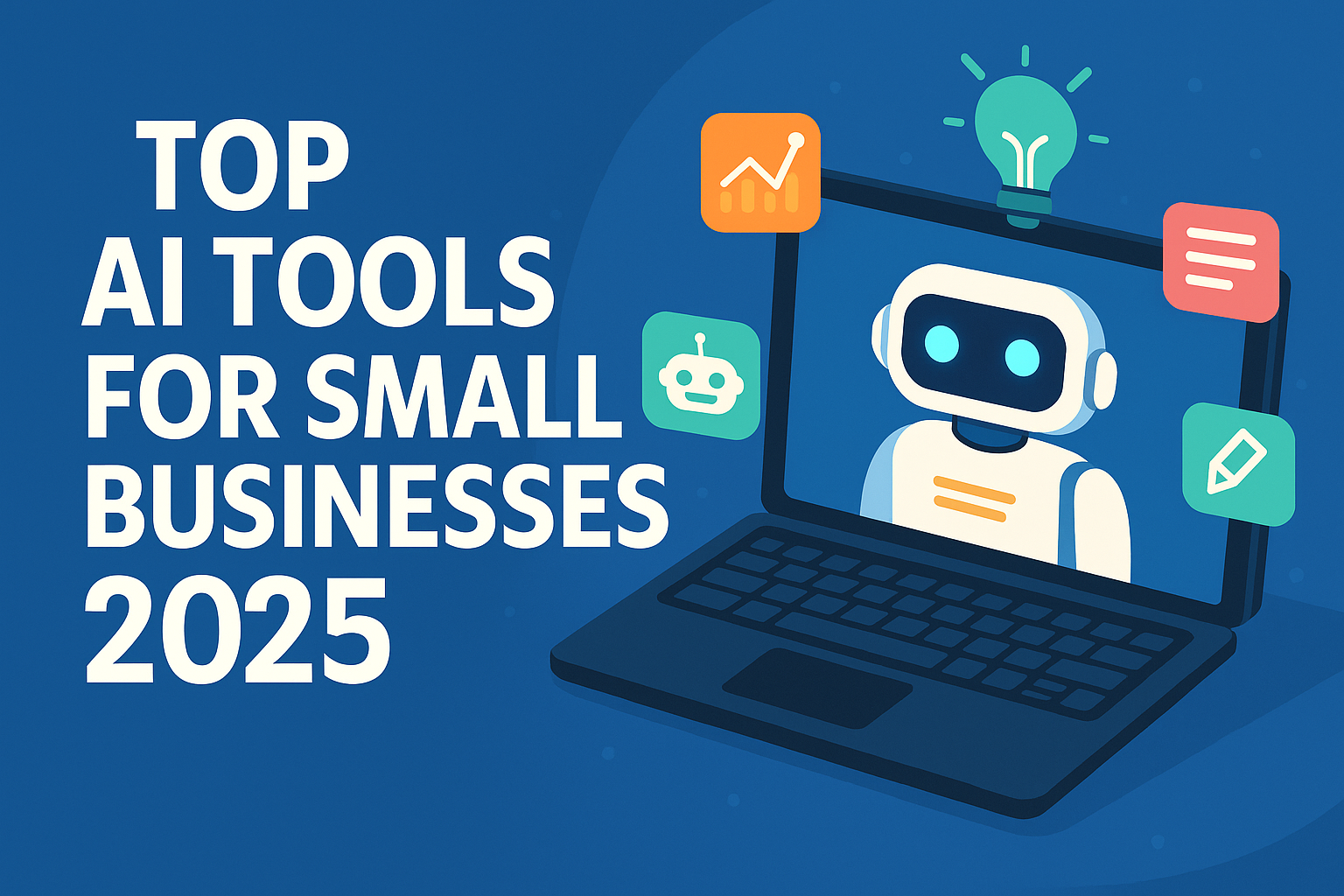
AI tools can now draft emails, answer customers, design social posts, summarise meetings and even categorise your bookkeeping. For a small business, the challenge isn’t finding AI tools; it’s choosing a few that save real time without creating new risks. This November 2026 refresh lists widely used tools by job-to-be-done, how to choose, and what to watch for on data protection. We don’t list prices because plans change often; always check the vendor’s official pricing page.
Start with the job, not the tool
The fastest wins usually come from repetitive, text-heavy work: customer emails, product descriptions, social posts, meeting notes, proposals and FAQs. Pick one or two workflows, measure how long they take now, try an AI tool for a month, and keep it only if the time saving is clear.
AI tools by business task
| Task | Widely used tools | Good for |
|---|---|---|
| General assistant (writing, research, analysis) | ChatGPT, Claude, Google Gemini, Microsoft Copilot | Drafting emails, proposals and policies; summarising documents; analysing spreadsheets |
| Office suite AI | Gemini in Google Workspace, Microsoft 365 Copilot | AI inside the email, docs and sheets your team already uses |
| Design and social media | Canva (Magic Studio), Adobe Express | Social posts, flyers, presentations and quick image edits |
| Automation | Zapier, Make, n8n | Connecting apps and adding AI steps to workflows (e.g. classify incoming leads) |
| Customer support chat | Tidio (Lyro), Intercom (Fin), Zendesk AI | Answering common questions from your help content, 24/7 |
| CRM and marketing | HubSpot (Breeze AI), Mailchimp | Email drafts, segmentation and lead insights |
| Meeting notes | Otter.ai, Fireflies, built-in Zoom/Teams/Meet AI | Transcripts, summaries and action items |
| Writing quality | Grammarly | Tone, clarity and grammar across apps |
| Accounting | QuickBooks (Intuit Assist), Xero, Zoho Books | Transaction categorisation, invoice reminders and cash-flow insights |
| Website and e-commerce | Shopify (Shopify Magic/Sidekick), Wix, Squarespace AI features | Product descriptions, store setup and FAQs |
Listing a tool is not an endorsement. Features differ between plans and countries.
How to choose: a quick scorecard
| Question | Why it matters |
|---|---|
| Does it work inside tools we already use? | Fewer logins and faster adoption |
| Is our data used to train the vendor’s models? | Business plans often exclude training by default; free plans may not |
| Where is data stored, and is there a data processing agreement? | Needed for GDPR/UK GDPR and many client contracts |
| Can we control access and remove users easily? | Important when staff leave |
| What does it cost per user per month at our size? | AI add-ons can double software bills |
| Is there a free trial? | Test with real tasks before committing |
Five quick-win workflows
- Customer email replies: paste the customer’s message and your policy; ask for a polite draft; edit and send.
- Product and service descriptions: give features, audience and tone; generate variations; check facts.
- Meeting summaries: record (with consent), auto-summarise, and share action items.
- Help-centre chatbot: train a support bot on your existing FAQs, with a clear route to a human.
- Monthly reporting: export sales data and ask an assistant to highlight trends and anomalies, then verify the numbers.
Prompting tips that make a real difference
- Give context: who you are, who the customer is, and what outcome you want. “You are the owner of a family bakery in Leeds replying to a complaint about a late cake order” beats “write a reply”.
- Provide examples: paste two emails you liked and ask the tool to match their tone.
- Set constraints: word limits, reading level, British or American spelling, and things to avoid (no discounts, no promises on delivery dates).
- Ask for options: three versions are easier to edit than one.
- Save winners as templates: build a shared document of prompts that work, so the whole team benefits.
Most assistants now let you save custom instructions or create reusable “projects” or “custom GPTs” containing your brand guide and policies, which keeps output consistent.
Risks and how to manage them
- Wrong answers (“hallucinations”): always review AI output, especially prices, legal terms, tax and health claims.
- Confidential data: set a simple policy on what staff can and can’t paste into AI tools.
- Customer trust: tell customers when they’re talking to an AI bot. The EU AI Act includes transparency duties for chatbots and AI-generated content.
- Copyright: check licence terms before using AI images or text commercially.
- Over-automation: keep a human in the loop for complaints, refunds and anything sensitive.
Regional notes
- UK and EU: GDPR and UK GDPR apply to personal data processed by AI tools; the ICO publishes AI guidance.
- US: the FTC has warned businesses against deceptive AI claims and unfair use of AI.
- Canada: PIPEDA and provincial privacy laws apply.
- UAE: the Personal Data Protection Law applies outside free zones; DIFC and ADGM have their own data laws.
- India: the DPDP Act, 2023 governs personal data as its rules take effect.
Pros and cons of AI for small businesses
- Pros: saves hours on writing and admin, round-the-clock support, professional design without an agency.
- Cons: subscription creep, accuracy risks, privacy obligations, and generic content if not edited.
A simple 30-day rollout plan
- Week 1: choose two workflows and one general assistant on a business plan.
- Week 2: write a one-page AI use policy and share prompt templates with staff.
- Week 3: measure time saved and errors caught.
- Week 4: keep, adjust or cancel; then consider adding automation.
Disclaimer: This article is for general informational purposes only. Product names, features, availability and pricing change frequently and vary by country. Mentions of companies and products are for information only and are not endorsements; taxtotech.com is not affiliated with the companies named. Verify details on official vendor websites before you buy or rely on any tool.
FAQ
What’s the best AI tool for a small business?
A general assistant on a business plan (ChatGPT, Claude, Gemini or Copilot) covers the most ground. Add specialist tools only for clear needs.

Is it safe to put customer data into AI tools?
Only into tools with business terms, data processing agreements and no training on your data, and only what’s necessary.
Can AI replace my accountant?
No. AI can speed up bookkeeping, but tax filings and advice still need qualified review.
How much should a small business spend on AI tools?
Start with one paid general assistant per key user and add tools only when they clearly save time.
Do I need technical skills to use these tools?
No. Most work in a browser or inside apps you already use.
Review subscriptions every quarter.