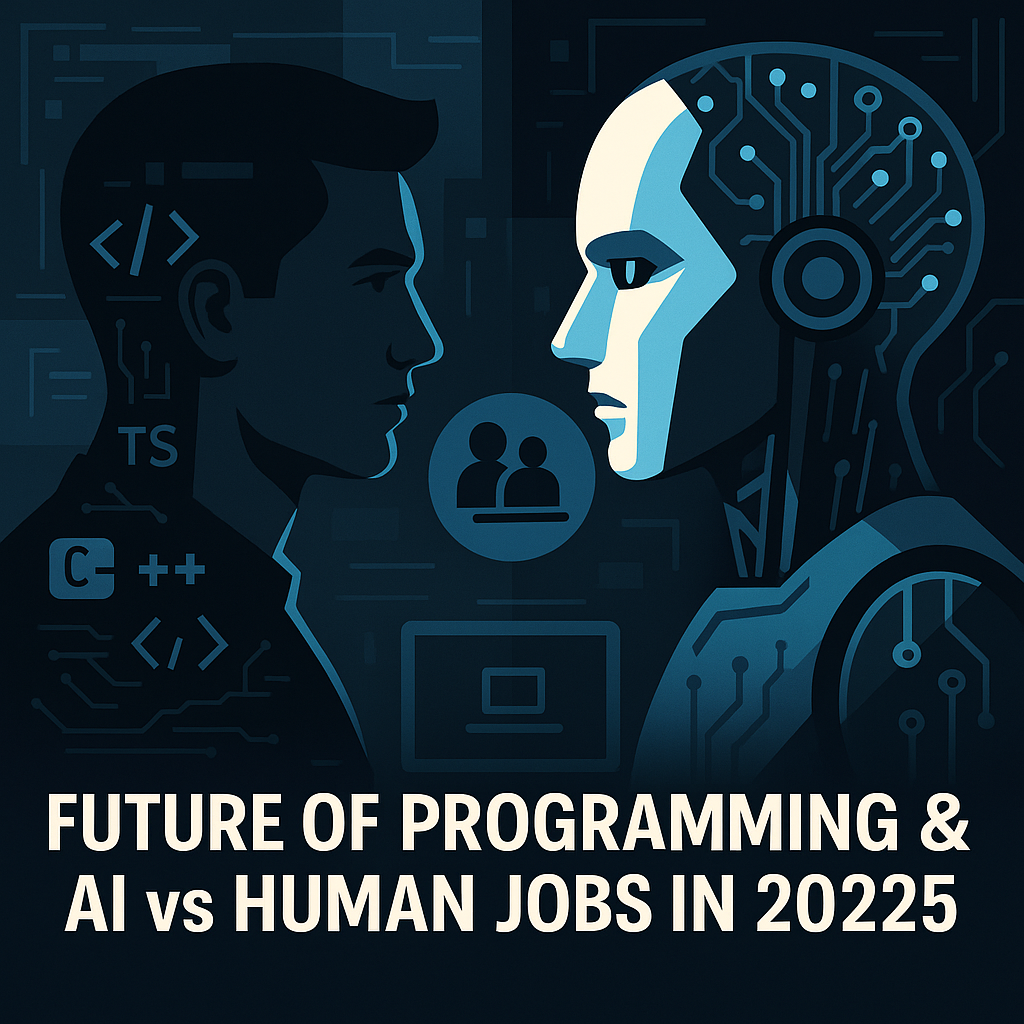
Will AI replace software developers? It’s one of the most-asked career questions in tech. This November 2026 refresh replaces our earlier speculation with what surveys and labour-market research actually show, and gives practical steps for developers in the US, UK, Canada, the EU, the UAE and India.
What the evidence says
- Developers are using AI heavily, but cautiously. In Stack Overflow’s 2025 Developer Survey, 84% of respondents said they use or plan to use AI tools in their development process, yet more developers said they distrust the accuracy of AI output than trust it. (Stack Overflow 2025 survey)
- Jobs are changing more than disappearing. The World Economic Forum’s Future of Jobs Report 2025 projects 170 million jobs created and 92 million displaced globally by 2030, a net gain of 78 million, with technology skills such as AI and big data among the fastest-growing. (WEF)
- Entry-level hiring is under the most pressure. Several studies and employer reports since 2024 suggest companies are hiring fewer junior developers while AI tools take over boilerplate work. The data is still emerging, so treat specific percentages with caution.
How programming has evolved
| Period | Main shift |
|---|---|
| 2000s | Object-oriented languages (Java, C#, C++) and enterprise software |
| 2010s | Web and mobile apps, open source, cloud and DevOps |
| 2021–2023 | AI code completion (GitHub Copilot launched in 2021) goes mainstream |
| 2024–2026 | AI coding agents that edit multiple files, run tests and open pull requests |
What AI coding tools do well, and where they fail
| Good at | Still weak at |
|---|---|
| Boilerplate, CRUD endpoints and scaffolding | Understanding unclear business requirements |
| Writing first-draft unit tests and docs | System architecture and long-term maintainability |
| Explaining unfamiliar code | Security-critical decisions and threat modelling |
| Translating between languages and frameworks | Owning outcomes: on-call, incidents and accountability |
| Quick prototypes | Avoiding subtle bugs and “hallucinated” APIs without review |
Popular AI developer tools in 2026
- GitHub Copilot – completions, chat and agent features in VS Code, JetBrains and GitHub.
- Cursor – an AI-first code editor with codebase-aware chat and agents.
- Claude Code, OpenAI Codex and Gemini Code Assist – assistants and agents from the major model providers.
- Amazon Q Developer – AWS’s assistant (it replaced CodeWhisperer in 2024).
- Replit – browser-based coding with an AI agent for building and deploying apps.
Features and pricing change frequently, so check each vendor’s official page before you buy.
Which roles face the most change?
| Role | Exposure | Why |
|---|---|---|
| Junior developer focused on routine tasks | High | Boilerplate and simple features are what AI does best. |
| Manual QA tester | High | Test generation and automated checks are improving fast. |
| Mid-level product engineer | Medium | Productivity rises; expectations rise too. |
| Security, SRE and platform engineers | Lower | High-stakes judgement and accountability. |
| Engineers building AI systems | Lower | Strong demand for people who build, evaluate and run AI. |
Skills that keep you valuable
- Fundamentals: data structures, networking, databases and debugging. You need them to judge AI output.
- System design: scalability, reliability and cost trade-offs.
- Security: secure coding, dependency management and reviewing AI-written code for vulnerabilities.
- AI engineering: using model APIs, retrieval, evaluation and guardrails.
- Domain knowledge: finance, healthcare or tax know-how makes you hard to replace.
- Communication: turning vague requests into clear specs, which is also what makes AI agents effective.
A practical plan for 2027
- Use an AI assistant daily, but review every change as if a junior wrote it.
- Build one project that uses an LLM API end-to-end, with tests and evaluation.
- Learn one cloud platform deeply and get a respected certification if your market values it.
- Contribute to open source or write about what you learn to build public proof of skill.
How teams are actually using AI in development
In practice, most teams that adopt AI tools follow a similar pattern. Developers use chat assistants to explain code and draft functions, then move to agents for well-defined tasks such as updating dependencies, writing tests for existing code or migrating an API. Human review stays mandatory: pull requests written by AI go through the same code review, automated tests and security scanning as human code. Teams that see the biggest gains tend to have good test coverage, clear coding standards and small, well-scoped tickets, because those are exactly the conditions in which AI tools work best. Teams with messy codebases and vague requirements often find AI simply produces mistakes faster.
This has a practical lesson for individual developers: the habits that make you a good engineer (clear specs, tests, small changes, documentation) are the same habits that let you get the most out of AI. Investing in them pays off twice.
Advice for students and career changers
If you are just starting out, don’t let AI do all your learning for you. Write code by hand for the fundamentals, then use AI to explain errors and suggest alternatives. Build projects that solve real problems, publish them on GitHub with a clear README, and be ready to explain every line in an interview. Employers increasingly test whether candidates understand code, not just whether they can produce it. Internships, open-source contributions and freelance projects all help you get past the entry-level squeeze.
Regional notes
- US and Canada: big-tech hiring has become more selective; AI and security roles remain in demand.
- UK and EU: the EU AI Act adds compliance work around AI systems, creating demand for engineers who understand governance.
- UAE: government AI strategies and data-centre investment are creating AI and cloud roles.
- India: large IT services firms are retraining staff in AI; GCCs (global capability centres) are a major hiring source.
Pros and cons of AI coding tools
- Pros: faster delivery, less drudgery, easier learning of new stacks.
- Cons: risk of insecure or wrong code, skill atrophy for beginners, IP and data-privacy questions.
Disclaimer: This article is for general informational purposes only. Product names, features, availability and pricing change frequently and vary by country. Mentions of companies and products are for information only and are not endorsements; taxtotech.com is not affiliated with the companies named. Verify details on official vendor websites before you buy or rely on any tool.

FAQ
Will AI replace programmers?
Current evidence points to changing roles rather than wholesale replacement, with the most pressure on routine entry-level work.
Is it still worth learning to code?
Yes. Coding plus judgement, domain knowledge and AI skills is a strong combination.
Do AI tools make developers more productive?
Many developers report time savings on routine tasks, but controlled studies show mixed results on complex work. The gains depend on the task, the codebase and how carefully output is reviewed.
Which language should I learn?
Python and JavaScript/TypeScript remain the most versatile starting points.
Related posts:
 Is There a $300 Grocery Rebate in the USA? Fact Check and Real Food Help (2026)
 Top 10 Prompts Bloggers Use to Write or Rewrite Content with ChatGPT, Gemini & Claude (2026)
 AI in Tax: Enhancing Compliance and Mitigating Risk for a Stress-Free Tax Season
 Attendance Allowance UK 2026/27: How Much You Can Get + Application Tips